
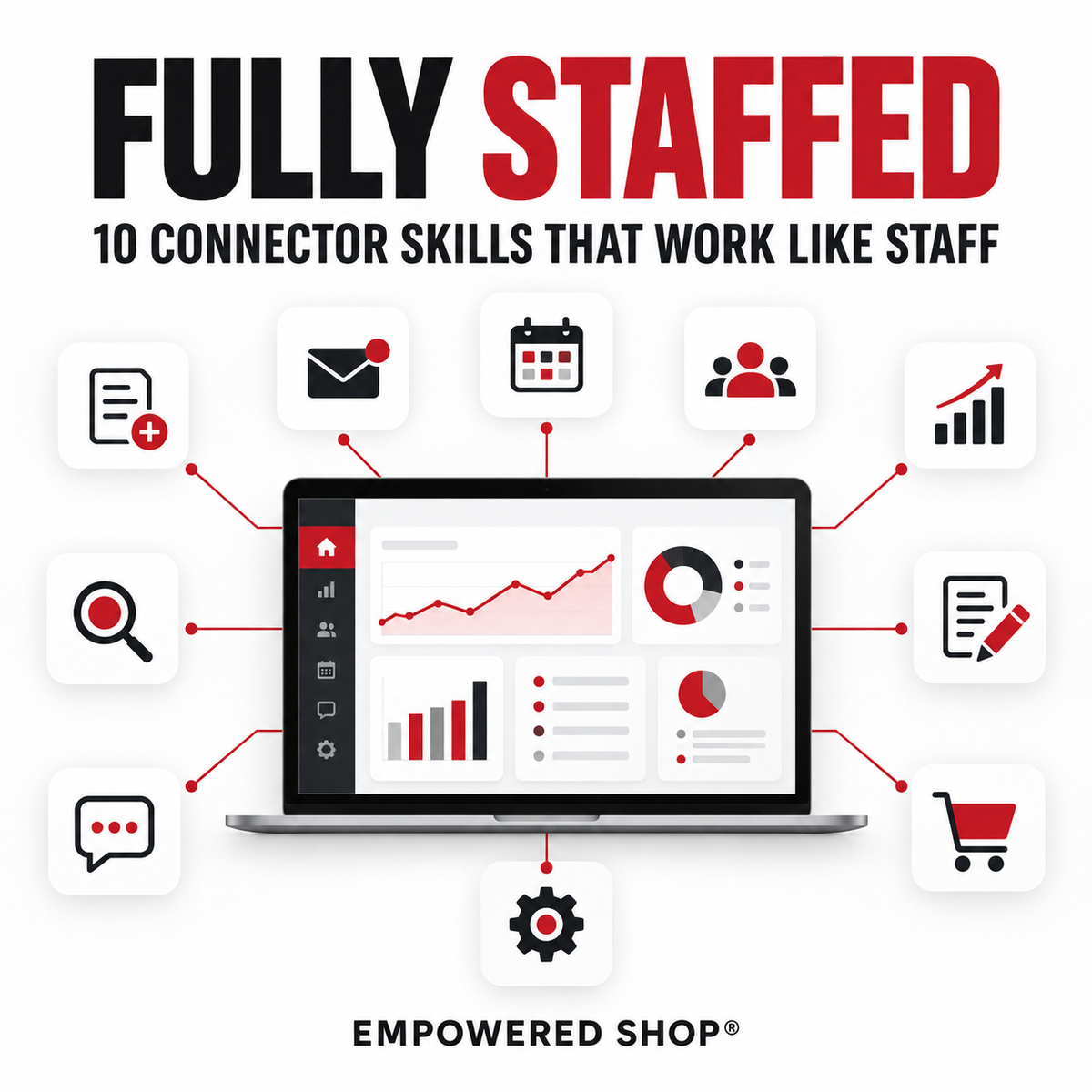
Fully Staffed: 10 Connector Skills That Work Like Staff
Ten Connector Skills. Each One Runs a Different Part of Your Business.
Most AI tools wait for you to open them. These do not. Every skill in Fully Staffed is built to run on the tools your business already lives in: your email, your calendar, your tracker, your email platform, your payment platform, your community platform. You say the word once, and the skill goes and gets the data itself.
That is the difference between a prompt and a hire. A prompt hands you a blank page. A connector skill opens your inbox, reads your roster, pulls your numbers, and comes back with the work already done.
You already know what it feels like to wish you had a full team: someone triaging your inbox, someone drafting your morning brief, someone scanning for content ideas, someone turning your calls into copy, someone watching your roster so nothing slips. Fully Staffed gives you all ten.
What Is an AI Skill?
An AI Skill is a plain text file, specifically a Markdown (.md) file, that you install directly into your AI account. Once it is in, your assistant reads it automatically at the start of every relevant conversation, so you never have to re-explain your brand, your process, or your preferences again. It works like permanent memory that loads on demand.
Because you own the file itself, you are not locked into any one platform. Your investment travels with your business, not with any single tool.
What Makes These Connector Skills
A standard skill changes how your AI writes. A connector skill changes what it can reach. Each of the ten below is written to work against a live connection, so the output is built from your own current data instead of whatever you remembered to paste in.
That is why these replace a task instead of speeding one up. The Analyst does not ask you for your weekly numbers. It goes and gets them.
Install in Claude or ChatGPT
Connector availability differs between the two platforms, so a given skill reaches the tools your chosen platform connects to. The file, the setup, and the instructions are the same either way.
Each skill walks you through a short, one-time setup conversation on its first run, so it is mapped to your business, your tools, and your rules before it does any work. Every answer is saved. Every run after that skips straight to the job.
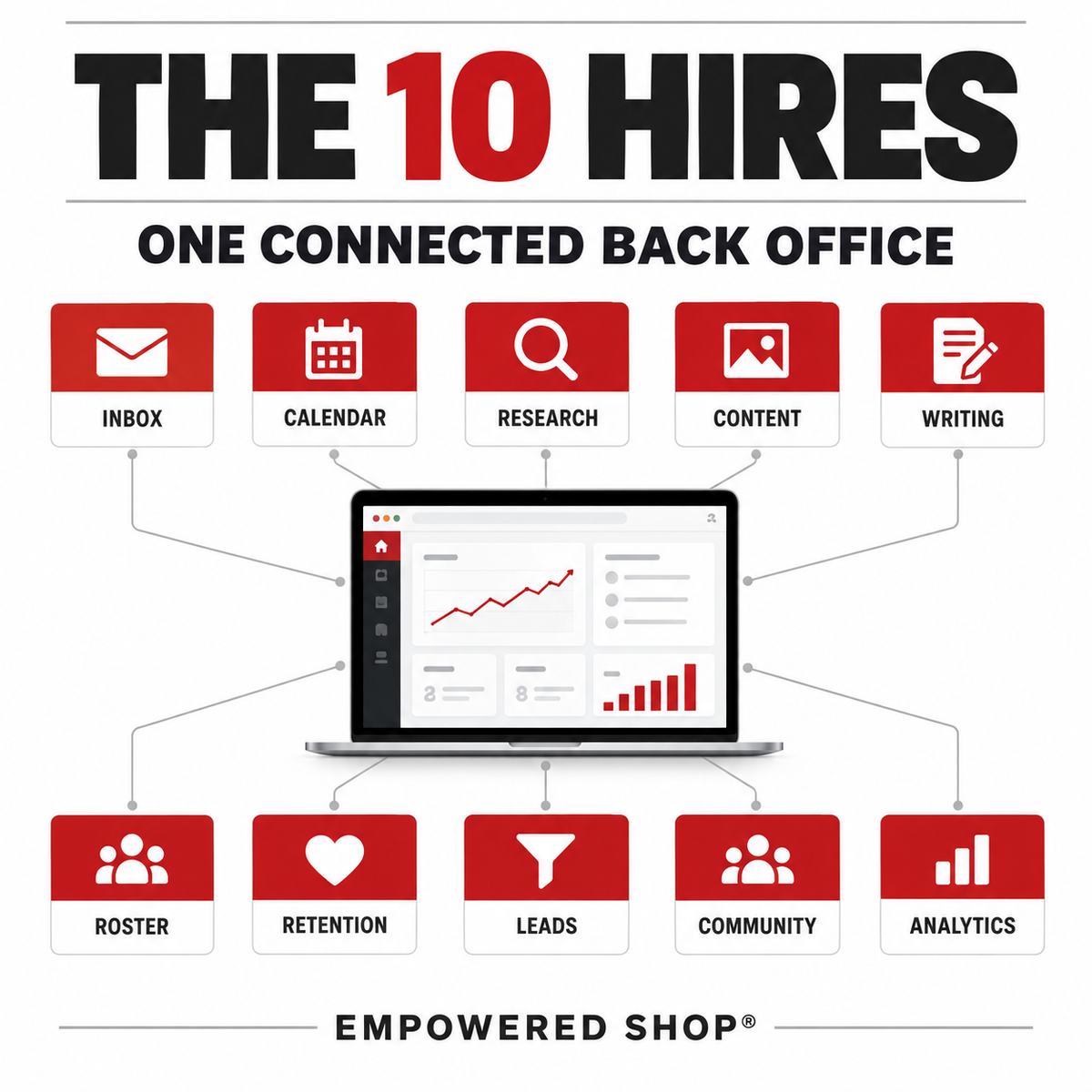
What's Included: The 10 Hires
📥 Executive Assistant: Daily inbox triage
Runs your daily inbox triage through your email connector, sorting every message into Urgent, Needs a Reply, FYI, and Archive, and drafting replies in your own voice.
☀️ Chief of Staff: Morning brief
Reads your calendar and your inbox and draws a calm, one-glance morning brief as a styled page: the shape of your day, what is still waiting on a reply, and what to walk into tomorrow's meetings already knowing.
🔍 Researcher: Content idea radar
Scans the sources you name plus light web research daily, and logs a short list of dated, sourced content ideas to your tracker, checking for duplicates first.
🎙️ Content Producer: Content repurposing engine
Takes one recorded asset, a call, a podcast episode, a workshop, or a voice memo, and turns it into stories, content and product ideas, testimonial candidates handled with consent discipline, and one draft outbound piece.
✍️ Ghostwriter: Idea capture to first draft
Takes a voice memo transcript, rough notes, or a stream-of-consciousness paragraph and turns it into one complete, organized first draft in your voice, never inventing facts you did not say.
📋 Registrar: Member and customer roster sync
Reconciles your membership platform's roster against your tracker and your email list, so all three agree on who is active, who has churned, and who is on your list. Nothing is changed without your word.
💜 Retention Manager: Churn catch and win-back trigger
Catches who churned, moves them correctly in your tracker, and drafts a win-back touch timed to when they left, telling true churn apart from members who are just quiet.
🎯 Sales Development Rep: Lead to nurture to flagged handoff
Reviews new opt-ins and engagement data from your email platform, tags and segments each lead by the signals you define, and flags anyone who has crossed your engagement threshold as ready for your own personal outreach.
💬 Community Manager: Community engagement to warm invitation
Scans your free community for people showing buying-intent signals, not just activity, and drafts one personalized invite per person toward your paid offer, grounded in something they said.
📊 Analyst: Weekly business pulse
Compiles a short weekly digest from your payment platform, your email platform, and your community platform: the five metrics you chose, each with a number and a trend note. Never fabricates a number.
Who This Is For
- Digital product creators running the back office mostly solo: the inbox, the tracker, the roster, the win-back email, the weekly numbers
- Course and membership owners who already have connectors set up and want something worth pointing them at
- Creators who have installed AI Skills before and found they still had to paste in the data by hand
- Anyone at the point where the next step is either hiring someone or building a system

What You Will Receive
Frequently Asked Questions
Access Instructions
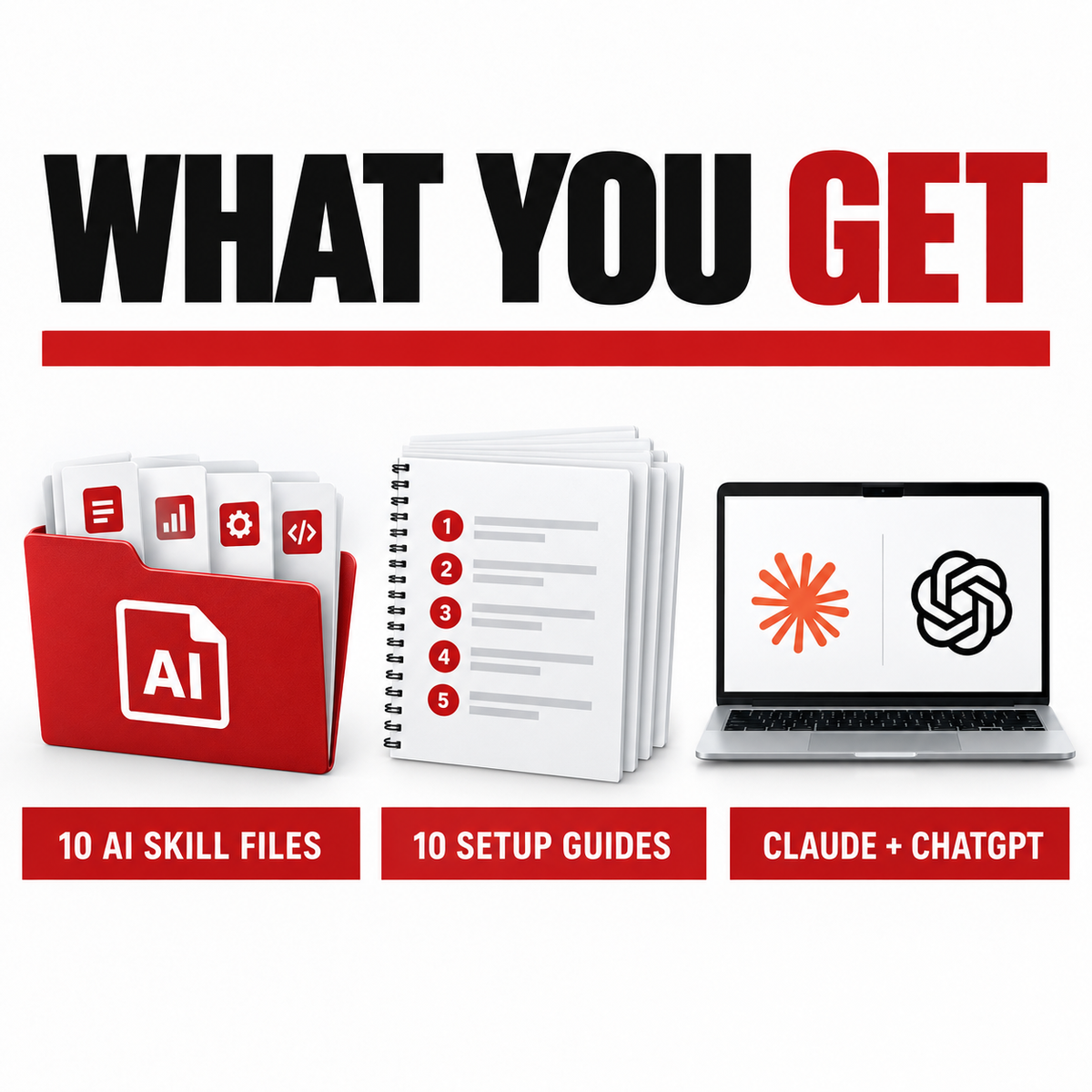
This is a digital product. Nothing physical will ship. Your product will be delivered via a PDF with links to all ten Skill files and their setup guides.
Choose options
Let customers speak for us
This skill lets me leverage other people's audiences to grow mine faster than I would on my own with organic content. The partnership outreach streamlines the process for me.

This GPT has helped me write emails that are concise and actually engaging for my audience. I'm finally looking forward to sending emails again. Thank you!!!

This is another one of those AI tools that doesn't immediately seem all that powerful when you just hearing the name of the tool, but boy am I so glad I bought this. One of my biggest struggles was knowing just what to put in the project instructions to help Claude actually did what I needed in my projects. It literally took less than 5 minutes to write my first (good) project instructions that were much clearer. Plus, if it's a project that you use a lot, Claude has a lot of saved information that makes it even easier to create these. Love this Skill!

It's funny, I almost didn't get the skill, but let me tell you, I am so glad that I did, because it is one of my most used skills.
Before, I was constantly trying to sum things up myself or starting from scratch, and with this skill, you're eliminating yourself as the middleman. All you have to do is tell it you need a session handoff, whatever. Chat, you're in. It gives you something to copy, and then you paste it into your next chat, and you're ready to go.
It's absolutely amazing. This is one of those sleepers that you would never think you need until you get it, then you need it all the time.

It helps streamline and standardize client onboarding process with ease!

I purchased the Competitive Intelligence & Market Research Skill and read through it. I haven't tested it in an AI, but the "Every finding is evaluated against your positioning, your existing authority, and what your audience already trusts you for. A gap in the market is only an opportunity if you are credibly the person to fill it" concept of this skill makes sense, and its list of what information to gather and research (such as niche details, competitors, prospective clients' launguage, etc.) is useful for analysis whether or not I use this with AI. This is written and formatted in a way that is easy to read by humans. Worth purchasing.

this skill gives access to Monica's deep experience
I ran this on both of my businesses' actual product catalogs, not a hypothetical. It correctly flagged a pricing gap I hadn't caught myself (my semester and full-year bundle prices were too close together, a sideways move instead of real ascension), and named the missing continuity offer as my biggest long-term gap. What I appreciated most: it didn't just dump every problem on me at once. It gave one clear next step, the cheapest fix that's actually costing me sales today, and explicitly said why it was deferring the bigger, harder problem until I have more data. That kind of restraint is rare in these tools. Would recommend to anyone with more than 2-3 products who's never mapped out how customers are supposed to move between them

helped me setup my newsletter with ease and faster than on my own.

Now my revenue plan is mapped out for the rest of the year and I have clarity on the levers to pull for it.

Offer Validation Skill helped me revamp and improve my offer

We all know how important a good launch email sequence is so I was really excited about this Claude skill because I use launch email template all the time. But I knew having a skill that lives in my account so it can call on all of my other skills and files. Now I also have Monica's training and experience baked into which creates a winning combination. I honestly can't wait to write my sales emails for each new launch now!

Sales copy skill removes the friction

I was really excited about this Claude skill because, while I'm fairly good at being clear with the names of my digital products, they aren't always the most transformational or actionable. This can be a problem when it comes to people purchasing.
My brain tends to always think on the SEO front, where you're naming with keywords, and those have traditionally underperformed for me, so I knew I needed some help. This skill helped me find a name for a system with two individual engines within about five minutes or less. I loved what it came up with, and it helped me position it so that, yes, I know exactly why my people need this.

This has helped me so much as I am all over the place with Linkedin, X, IG, FB and Youtube. I needed to concentrate at the moment on LinkedIn and X and this script help me form a 30 day strategy that a lines with my brand I was able to keep it consistent between Linkedln and X. After concentrating on those 2 platforms for 30 days I will move on to Youtube to help build that platform. Dont sleep on this AL Skill if you're a content creator YOU NEED THIS!!!!
